
A message that fits
Start with the need that brought this visitor here.
 Creative leads campaign
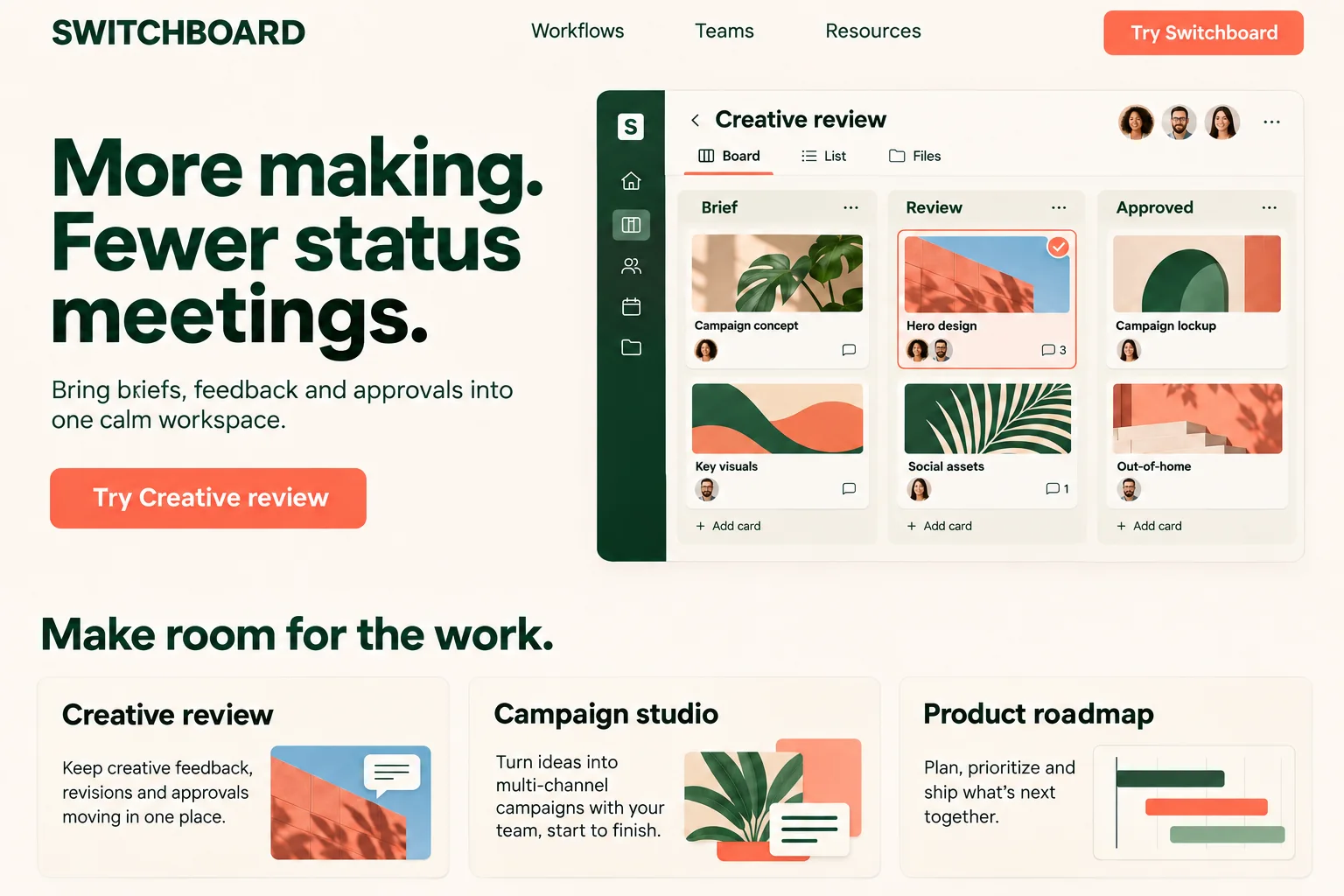
More making. Fewer status meetings.
 Product managers campaign
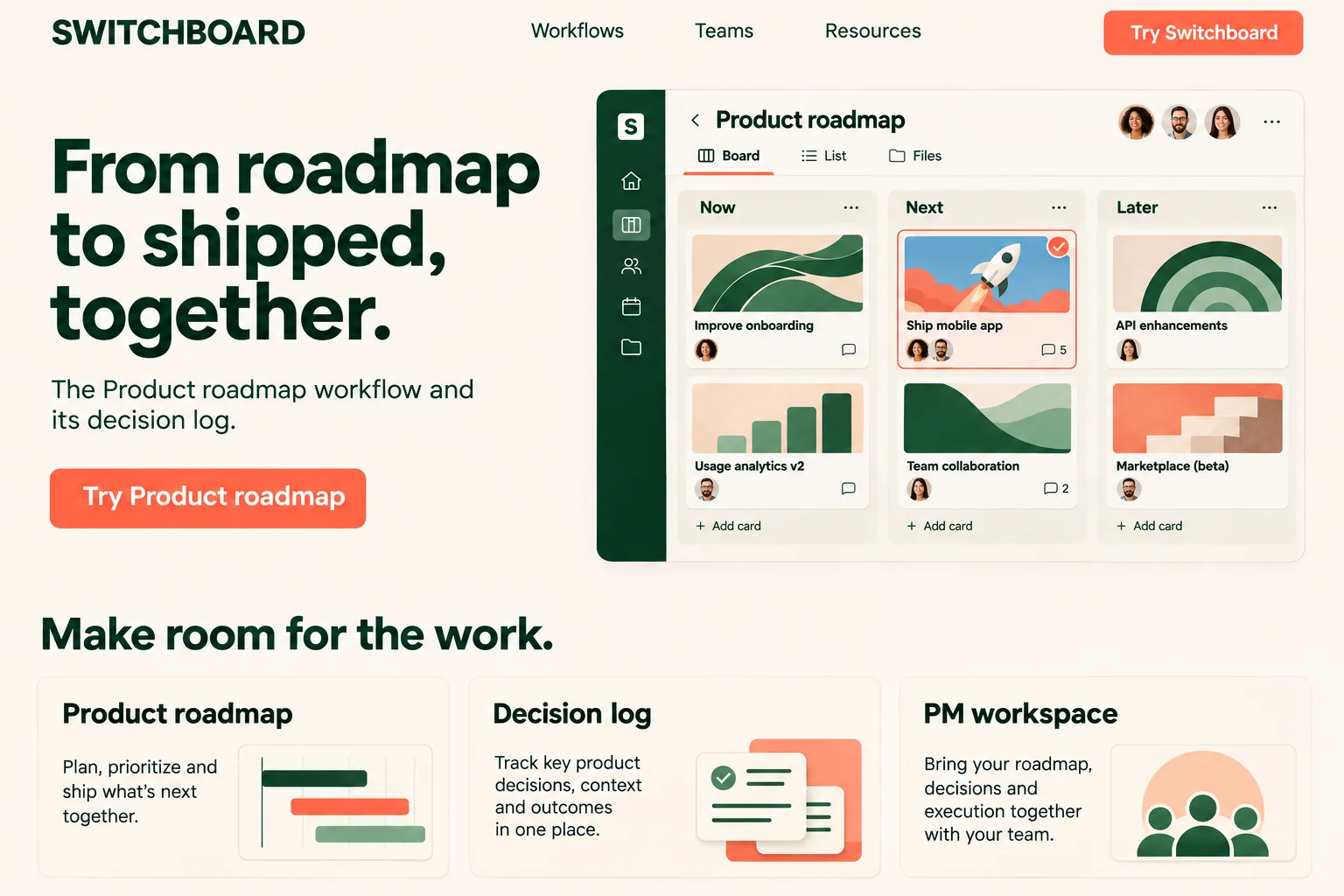
From roadmap to shipped, together.
Dynamite personalizes your B2B website within 300 ms, so every buyer sees the headline, proof and next step most likely to convert.
Switchboard advertises to creative leads and to product managers on LinkedIn. Both ads used to land on “Good work. Less coordination.” Each campaign now gets its own hero, and a visit with neither campaign value still sees the original.
Dynamite decides what each visitor sees from how they arrived, what they do on your site, and the data you connect.
Creative leads campaign
<script defer src="https://www.usedynamite.com/dynamite.js" data-site="your-site"></script> Shopify
 Webflow
 Framer
 WordPress
 Squarespace
 Wix
 Next.js
Dynamite can be driven entirely over MCP, so your agents create, manage, and optimize personalization themselves.
 Claude
 OpenAI
Dynamite reviews performance across all variants and personas, so each iteration gets better.
Dynamite doesn't generate new designs on the fly. You configure the possible designs on our dashboard, along with who they are for.
Illustrative example: Switchboard. Generated design preview.
Start with the need that brought this visitor here.
Creative leads campaignMore making. Fewer status meetings.
Product managers campaignFrom roadmap to shipped, together.
Put the product, workflow or story they care about in view.
Creative leads campaignThe Creative review workflow and its approval owners
Product managers campaignThe Product roadmap workflow and its decision log
Choose the action that fits this visit. Measure demo requests against the original.
Creative leads campaignTry Creative review
Product managers campaignTry Product roadmap
Help each visitor find their starting point in the same site.
Creative leads campaignThe Creative review workflow and its approval owners
Product managers campaignThe Product roadmap workflow and its decision log
Yes. Campaign values, referrer, pages read and past visits work with only the script installed.
A version can require one exact utm_campaign value, so only clicks from that campaign are eligible for it. With the LinkedIn Ads account connected, dyn_li_ad_set and dyn_li_ad on the ad URL match the ad set and ad too.
No. A visit is linked to a row on the list only when visitor identification matches the company or your own data connector returns traits for it.
Yes. Changes are drafts you preview on your real site in the editor, and visitors see nothing until an admin publishes.
Any website whose visitors arrive wanting different things: online stores, SaaS and B2B sites, and publishers.
No. It works with any website out of the box.
You should be implemented in a day and start seeing results within a week.
Yes. Every account starts with an onboarding call, and we help you set up your first personalizations.
We take you through setup on your onboarding call and share what works for sites like yours. Dynamite also bootstraps the first setup itself.
Dynamite can bootstrap the implementation and drive itself. The more data you give it, the better it gets. If you want to hold control over exactly what is shown and when, you can. Otherwise, the agents are good at it.
No. Dynamite runs at runtime, after your page has painted.
In a cookie in the visitor's browser, backed up and enriched on a server.
Dynamite can be pointed at any component or control to replace sections, add new ones, reorder, filter, and more.
Dynamite caches variants, so the decision engine can render new content within 300 ms.
Or email samraaj@ion.design